Be your own attorney

Pocket Attorney

A modern legal app that moves from AI guidance to documents to live attorney access without making users start over at every step.


Ask AI Find Procedures Open Documents Reach Counsel
AI when the question starts Guidance appears inside the legal workflow, not as a disconnected chat gimmick.
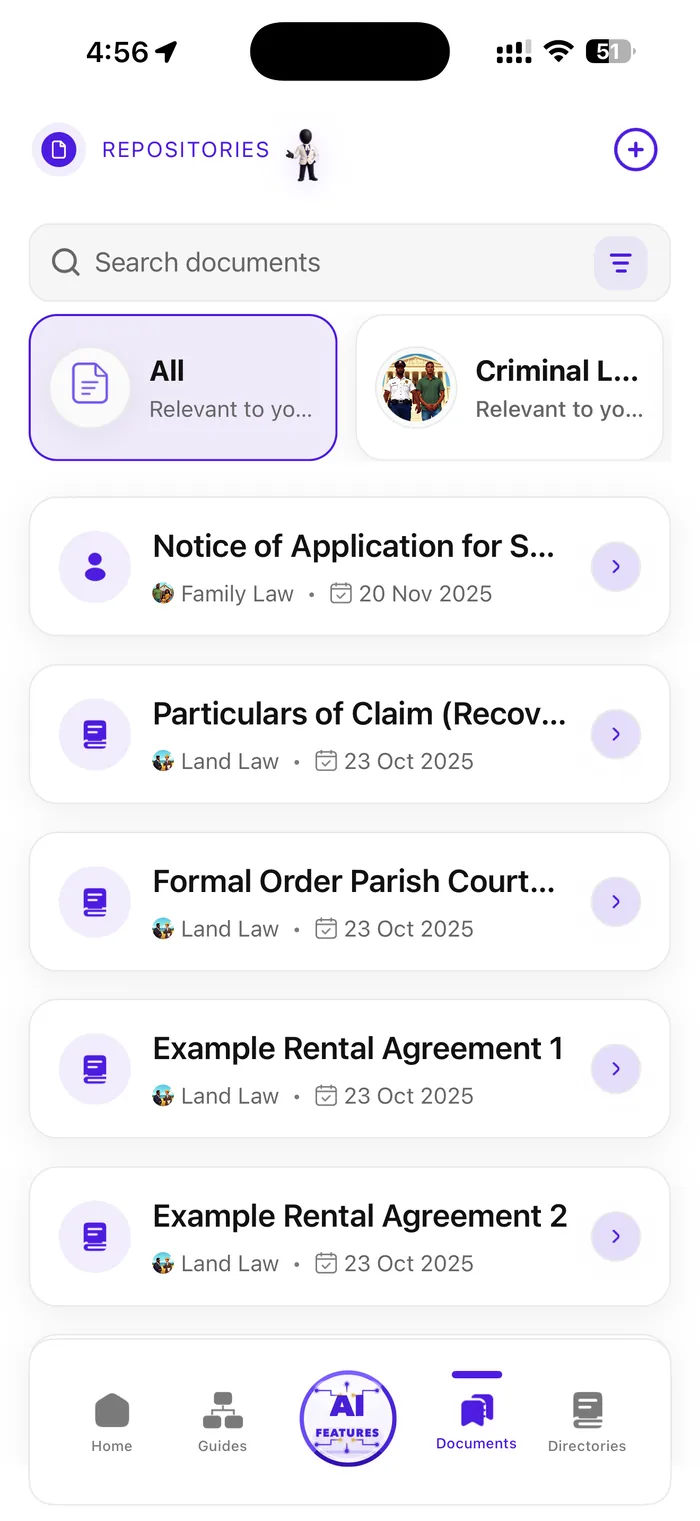
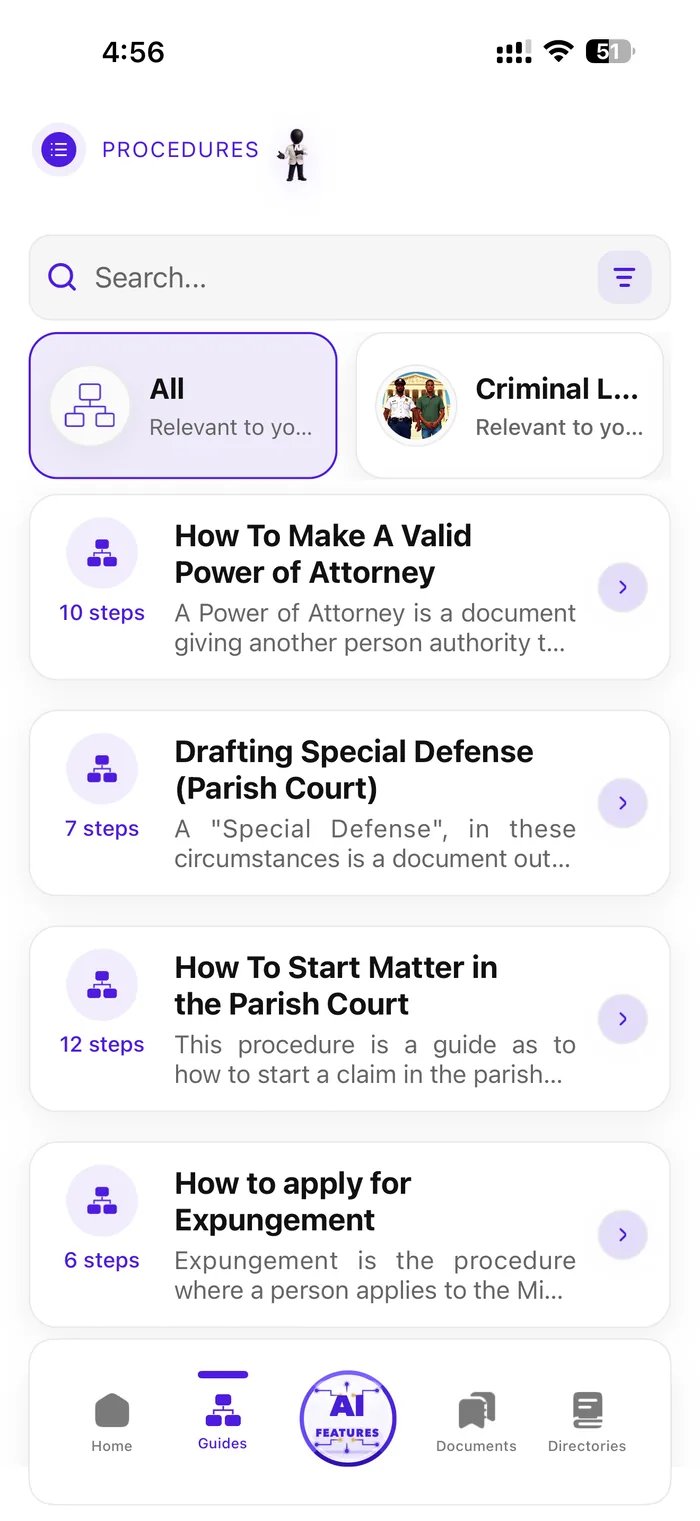
Documents when it becomes real Procedures and repositories help users turn uncertainty into prepared next steps.
Counsel when it matters Counsel Now gives the page a human escalation point with current app proof.
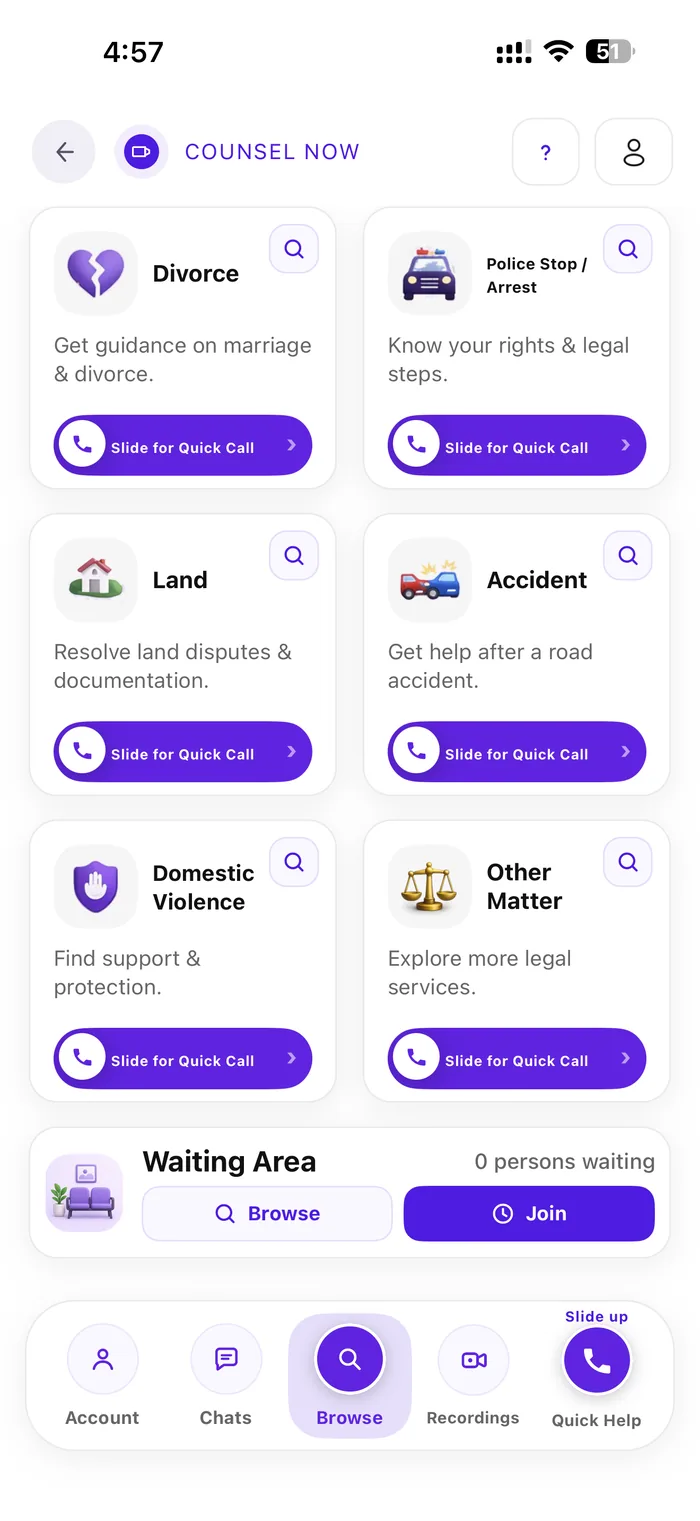
Counsel Now Current Pocket Attorney Counsel Now Browse screen
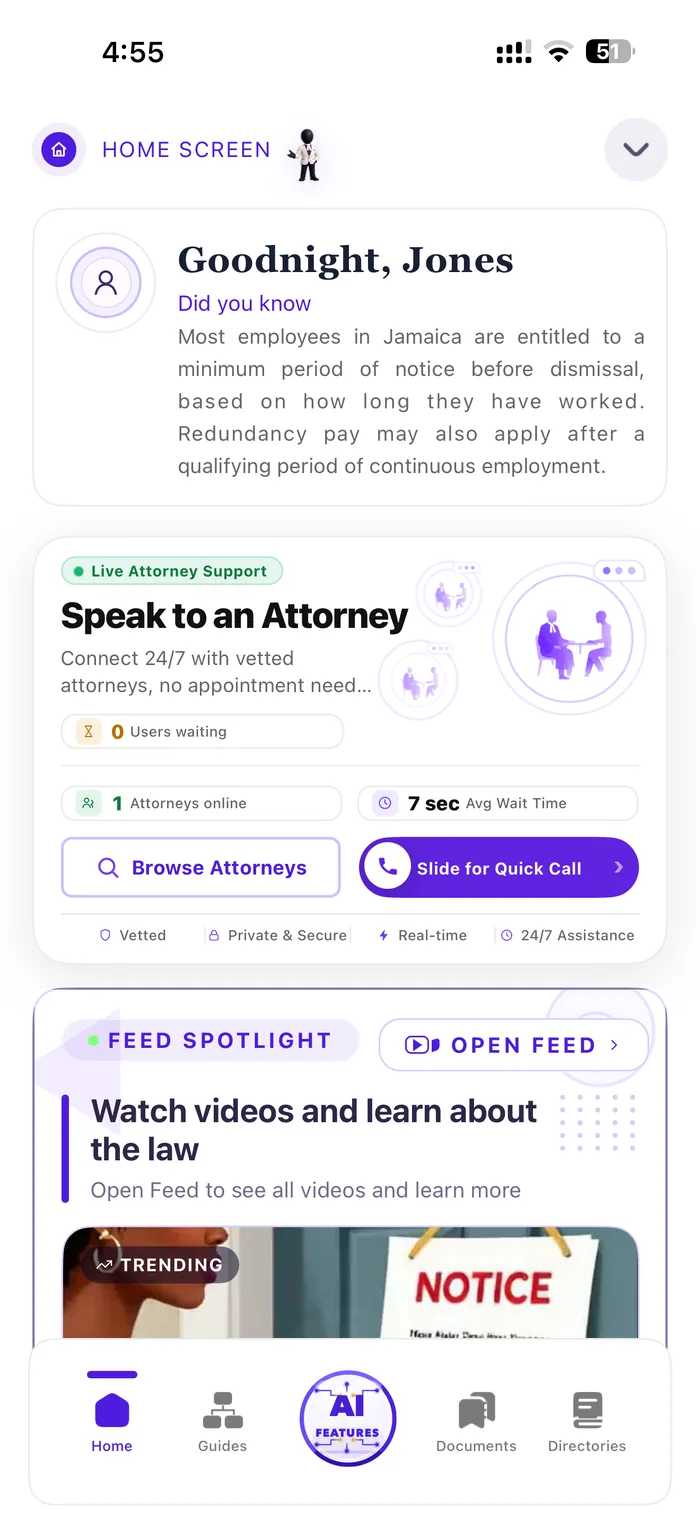
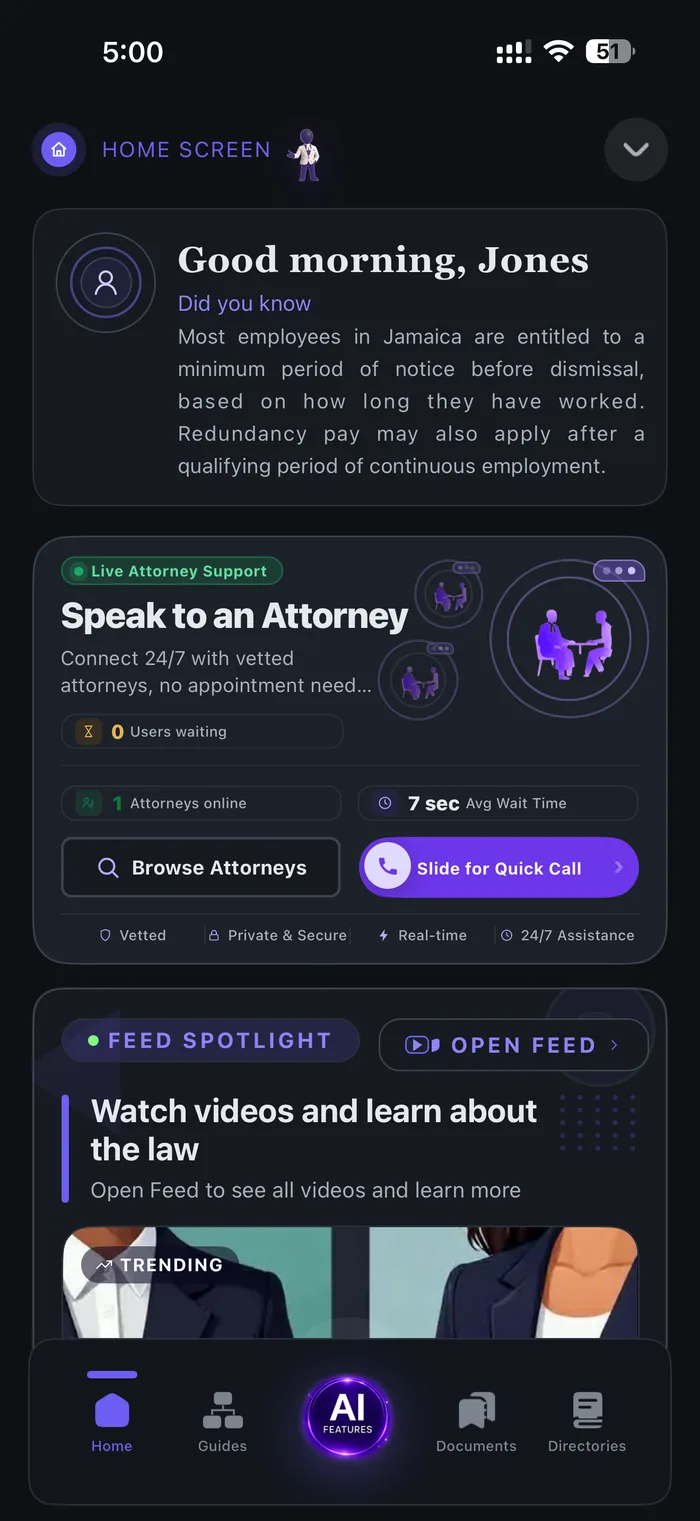
Home Screen Promotional Pocket Attorney Home screen
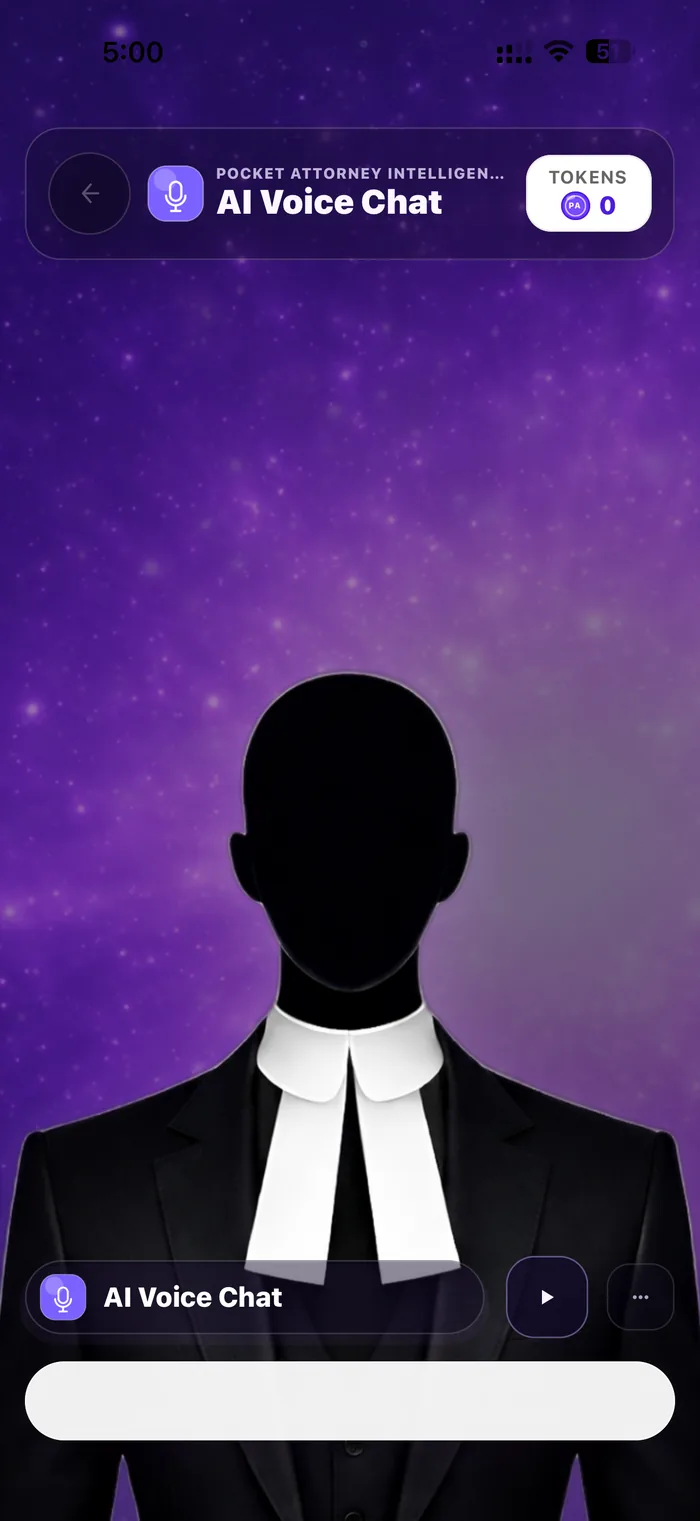
AI Voice Promotional Pocket Attorney AI Voice Chat screen
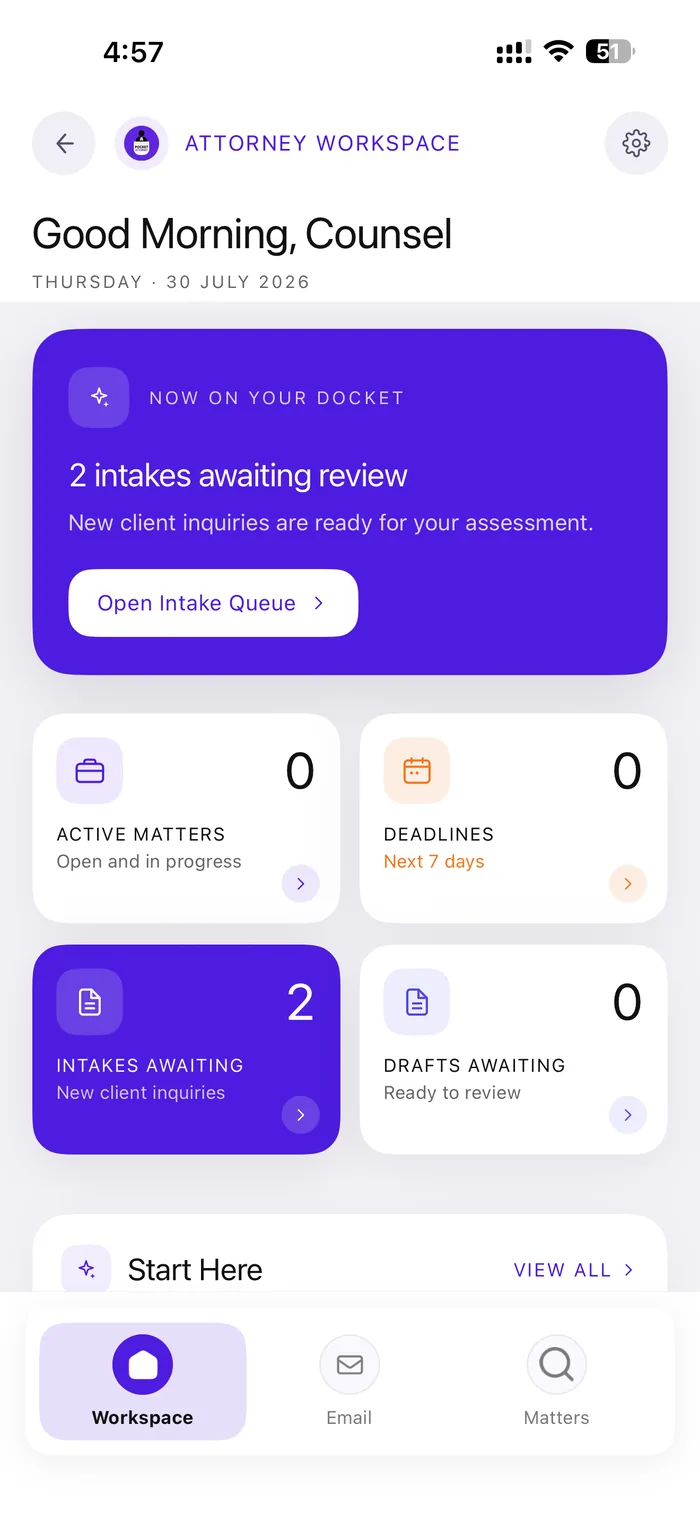
Live attorney support
01

Find the right legal path.

Users start with searchable procedures, repositories, or topic-based guidance instead of a blank search box.

02

Ask for AI support.

AI features help users understand the screen they are on, draft faster, and keep questions organized.

03

Prepare documents and records.

Legal forms, client files, voice notes, and document workflows help turn information into action.

04

Connect with attorneys.

Counsel Now gives users a direct route from legal uncertainty into live attorney support.

Promotional feature shelf

A cleaner rotating product showcase.

The four promotional screenshots now rotate inside one iPhone body. The section keeps the product clear, avoids oversized side panels, and preserves each screenshot's native vertical ratio.

01
Home command surface Live attorney access, legal learning, feed content, and AI entry points appear as one product surface.
02
AI Voice Chat The voice interface presents legal help as a focused conversation mode, not a generic text box.
03
AI Document Drafting Document preview and drafting options show how users can move from guidance into filing-ready work.
04
Directories Professional directories give users a practical route from self-service support to real legal contacts.
Pocket Attorney promotional Home screen Pocket Attorney AI Voice Chat promotional screen Pocket Attorney AI Document Drafting promotional screen Pocket Attorney Directories promotional screen

Counsel Now Browse

Attorney access is presented as a structured legal triage surface.

Counsel Now gives users matter categories, browsing, quick-call paths, and a waiting area. The landing page now makes that capability visible immediately instead of burying it behind generic feature claims.

Matter categories Divorce, police stop, land, accident, domestic violence, and general legal matters.
Quick action Browse attorneys, quick call, or enter the waiting area from the same flow.
Mobile-first The experience is direct, visual, and built for decisions on a phone.
Human escalation AI and legal content can lead into professional help instead of ending the journey.
Current Pocket Attorney Counsel Now Browse screen

What the shelf explains

Four feature lanes, one legal workflow.

The landing page no longer repeats distorted phone captures below the fold. It explains the product through compact lanes that match the rotating promotional display.

01

Start from Home.

Users see legal context, attorney support, feed content, and app navigation from the opening surface.

02

Ask with voice.

AI Voice Chat gives the assistant feature a cinematic, focused mode for direct legal questions.

03

Draft documents.

Document preview and drafting options connect AI help to practical legal preparation.

04

Find professionals.

Directories and Counsel Now keep the path open from self-guided support to human legal help.

Coming soon to store builds

The next public build brings the current Pocket Attorney experience forward.

These updates are already represented in the current product captures and release notes, but are staged ahead of the App Store and Google Play builds users can download today.

Pocket Attorney current home command screen preview
Store queue

Home command screen

The opening surface brings AI entry, legal learning, Counsel Now, documents, and directories into one app shell.

Pocket Attorney AI Voice Chat preview
Store queue

AI Voice Chat

Voice-first legal guidance is prepared as a focused product screen instead of a disconnected chat box.

Pocket Attorney AI document drafting preview
Store queue

AI document drafting

Drafting and document preview flows move users from questions into filing-ready legal preparation.

Pocket Attorney directories preview
Store queue

Directories

Professional discovery gives users a practical route from self-service support to human legal contacts.

Pocket Attorney updated Counsel Now preview
Native track

Counsel Now update path

Updated Counsel Now browse and call work is staged with the native iOS call-screen track for a later binary build.

Download Pocket Attorney

Open the app built for legal questions, legal documents, and attorney access.

Use Pocket Attorney to browse legal procedures, search repositories, get AI-assisted guidance, and move into attorney support when the issue needs a person.

Get in touch

Questions about the app, legal-professional access, or partnerships?

Use the existing contact form for product questions, support needs, professional enquiries, or partnership conversations.

Product and support Ask about app features, subscriptions, tokens, or current workflows.
Professional enquiries Discuss attorney visibility, Counsel Now, or collaboration options.
Partnerships Reach out about institutions, community access, or legal-tech collaboration.

Frequently asked questions

Clear answers for people exploring Pocket Attorney.

Common questions stay visible even when backend FAQ rows are unavailable, so visitors always get clear answers before contacting the team.

Pocket Attorney is a mobile application designed to provide users with quick access to legal procedure documents, templates, and a directory of various legal professionals including attorneys, notaries, and court officials.

The app includes templates and guides for a wide range of legal procedures, such as contracts, petitions, affidavits, court forms, and other commonly used legal documents.

Yes, our documents are formatted for general use and follow standard legal requirements. However, we recommend having any document reviewed by a qualified legal professional before submission to any official body.

You can browse our directory by specialty, location, or name. Each profile includes contact information, qualifications, and areas of expertise.

Yes, among other features, there is a fee required to gain access our specialized documents, as well as advanced directory features, require a subscription or one-time payment.

We update our directories regularly to ensure that information is accurate and up-to-date. Professionals can also submit updates to their profiles directly through the app.

Yes, you can request a chat with legal professionals directly from their profile within the app.

We verify the credentials of all listed professionals to the best of our ability, but users are encouraged to conduct their own due diligence before engaging any services.

Yes, we take privacy and data security seriously. Your information is encrypted and never shared with third parties without your consent.

Absolutely! Use the feedback or request feature within the app to suggest new documents or professionals you would like to see included.

While the app provides information and resources, it does not offer legal advice. For specific legal questions, please contact a qualified attorney through our directory.

You can report errors or technical problems via the ‘Support’ or ‘Contact Us’ section in the app. Our team will address your concerns as quickly as possible.

Unfortunately, features associated with this application can only be accessed when there is a internet connection.

Yes, legal professionals can create and post advertisements to highlight their services, qualifications, and areas of expertise, making it easier for users to find the right help.

Users seeking legal help can post requests describing their legal issue or the type of assistance needed. Legal professionals can then review these requests and offer their services if suitable.

Posting advertisements requires require a basic subscription plan.

You may post anonymously or choose what information to share. Additionally, advertisement seeking legal help are only visible to Legal Professionals and the Pocket Attorney’s Administrator

You can report any issues through the in-app “Report” or “Support” features. Our team reviews all reports and takes appropriate action.

Yes, you can edit or remove your posts at any time from your user dashboard.